
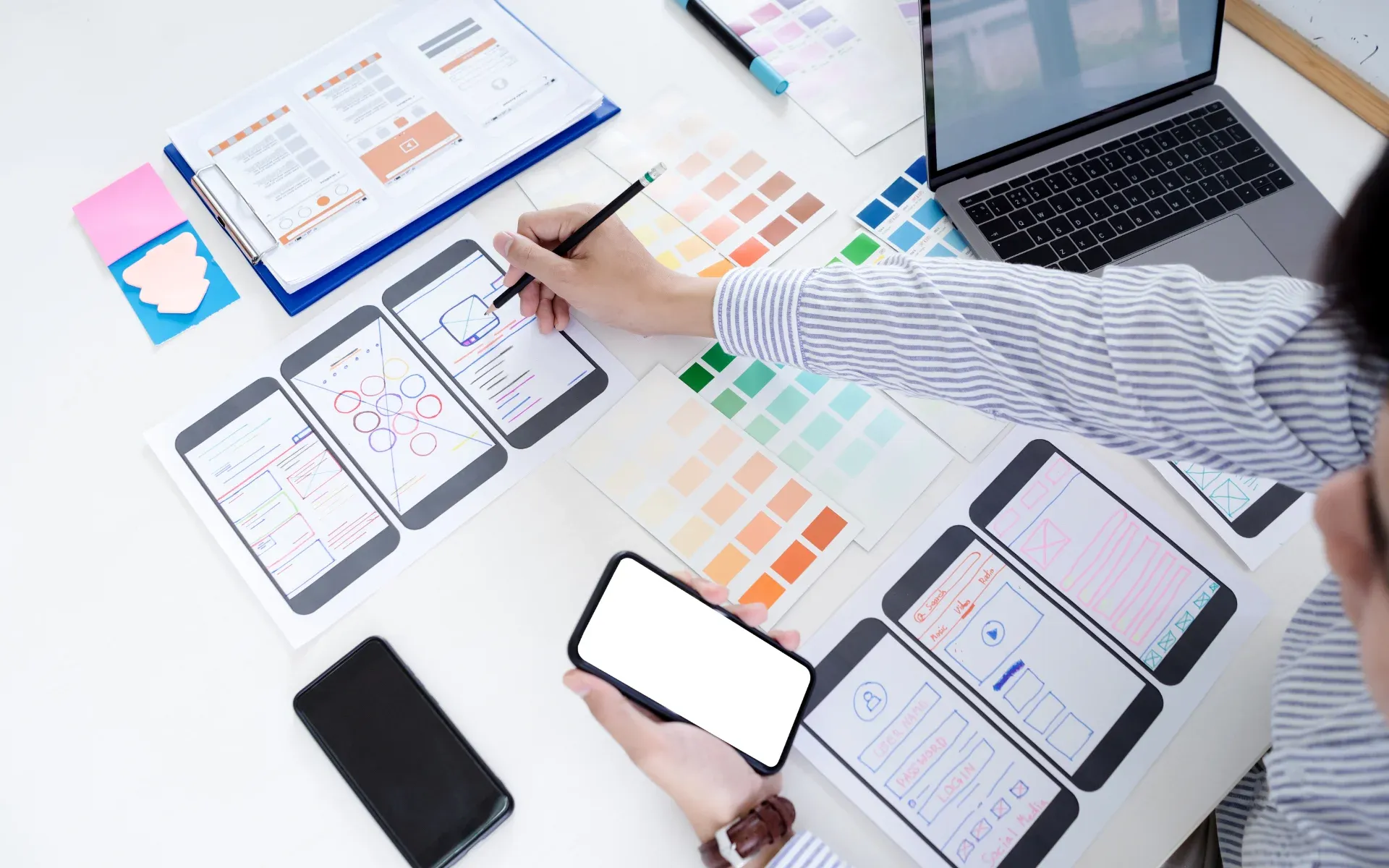
UI design for web applications and apps
User interfaces that help users find their way
The user interface translates functions into a clear visual language: layout, typography, colours, icons and controls. A good interface sets priorities – the important things catch the eye first, related items sit together, and identical elements behave the same way everywhere. In business software with tables, forms and reports in particular, this determines whether large amounts of information remain readable.
We design interfaces that can be built exactly as they were designed: from reusable components and with the particularities of web, iOS and Android in mind. The foundation is a well-thought-out user experience – only once the workflows are right is it worth fine-tuning the look and feel.
What our UI design covers
Visual design. A look and feel that matches your brand – based on your corporate design or as an independent visual language for a new product.
Components and layouts. Buttons, forms, tables and dialogues as reusable building blocks that can be brought together in a design system.
Responsive interfaces. From the large monitor in the office to the technician's smartphone on a customer site: layouts that adapt to every screen size.
Accessibility. Sufficient contrast, legible font sizes, keyboard operation and clear labels for screen readers – considered from the outset rather than added afterwards.
Accessibility: a legal requirement and a mark of quality
Since June 28, 2025, Germany's Accessibility Strengthening Act (Barrierefreiheitsstärkungsgesetz, BFSG) (in German) has been in force, implementing the European Accessibility Act. It requires companies to offer certain products and services for consumers in an accessible form – including online shops and other e-commerce services. Micro-enterprises with fewer than ten employees and an annual turnover or balance sheet total of no more than €2 million are exempt, insofar as they provide services. Whether your offering is affected should be checked legally on a case-by-case basis.
Regardless of the legal requirement, all users benefit from accessible interfaces: strong contrast helps in sunlight, clear labels help under time pressure and large buttons help on a smartphone. We follow the Web Content Accessibility Guidelines (WCAG) and take accessibility into account in the very first draft – which is considerably cheaper than retrofitting a finished application.
From our projects
For the PicturePartners event photo platform, we design the interfaces for three target groups: photographers, guests and event organisers. Galleries appear in the branding of the respective organiser and, if desired, under their own domain. At Momenth, patients add themselves to the queue on a touch display – an interface that has to be understood in passing.
Our own products show the range: Inventary mirrors the entire layout right to left for Arabic, while Stundenplan-Digital, our digital timetable, offers twelve print designs for the fridge door and the children's room.
How your UI design comes about
- Capture brand, platforms and requirements
- Develop the visual style on key screens
- Work out all screens and states as components
- Support implementation through to go-live
- Capture brand, platforms and requirements
- Develop the visual style on key screens
- Work out all screens and states as components
- Support implementation through to go-live
Frequently asked questions about UI design
Do you design in our company's corporate design?
Yes. If design guidelines exist, we build on them and apply colours, fonts and imagery to the requirements of an application – for example to tables, forms and status indicators, which a corporate design rarely covers. If there are no guidelines yet, we develop a visual language that suits your company.
Do you design for web, iOS and Android at the same time?
Yes. We ensure a consistent look across all platforms while taking into account the habits of each platform's users – for example in navigation and controls. Because we also develop the apps and web applications ourselves, we know what works well on which platform.
Do our applications have to be accessible?
Since June 28, 2025, Germany's Accessibility Strengthening Act (BFSG) has required many companies to offer certain digital products and services for consumers in an accessible form, for example online shops. Micro-enterprises that provide services are exempt. Whether your offering is covered should be checked by a legal adviser. Regardless of this, we recommend considering accessibility from the start, because all users benefit from it.
What do we receive as the result of the UI design?
Designed screens with all important states – such as empty lists, error messages and loading states – as well as the components they are made of. Because design and development sit in one team at 4eB, it does not stop at drafts: we implement the design directly in the application.
Can the interface of an existing application be modernised?
Yes. The look and feel can often be renewed step by step without touching the functionality – area by area, so that users do not have to adjust to everything at once. If the technology is also showing its age, we combine this with a modernisation of the application.
Didn't find your question?Get in touch
We design interfaces that your users understand and that match your brand – and we build them straight away.