
User experience design for software and apps
What good user experience means for your software
User experience describes how people experience working with a product: Do they find what they are looking for? Is it clear what to do next? Do they reach their goal without detours? In business software in particular, weak UX has tangible consequences – more training, more queries, incomplete data and side lists in Excel because the actual application is too cumbersome.
We design the user experience before the first line of code is written – and within the same team that later develops the software. This keeps concepts technically feasible, and nothing gets lost between design and finished application. The visual design is then handled by our UI design team.
What our UX work includes
User research and requirements. We talk to the people who will use the software and observe how they work – at their desk, at reception or on site with customers. This produces requirements based on real tasks rather than assumptions.
Information architecture. We organise content and functions so that navigation and terminology follow the language of your users – not the structure of your database.
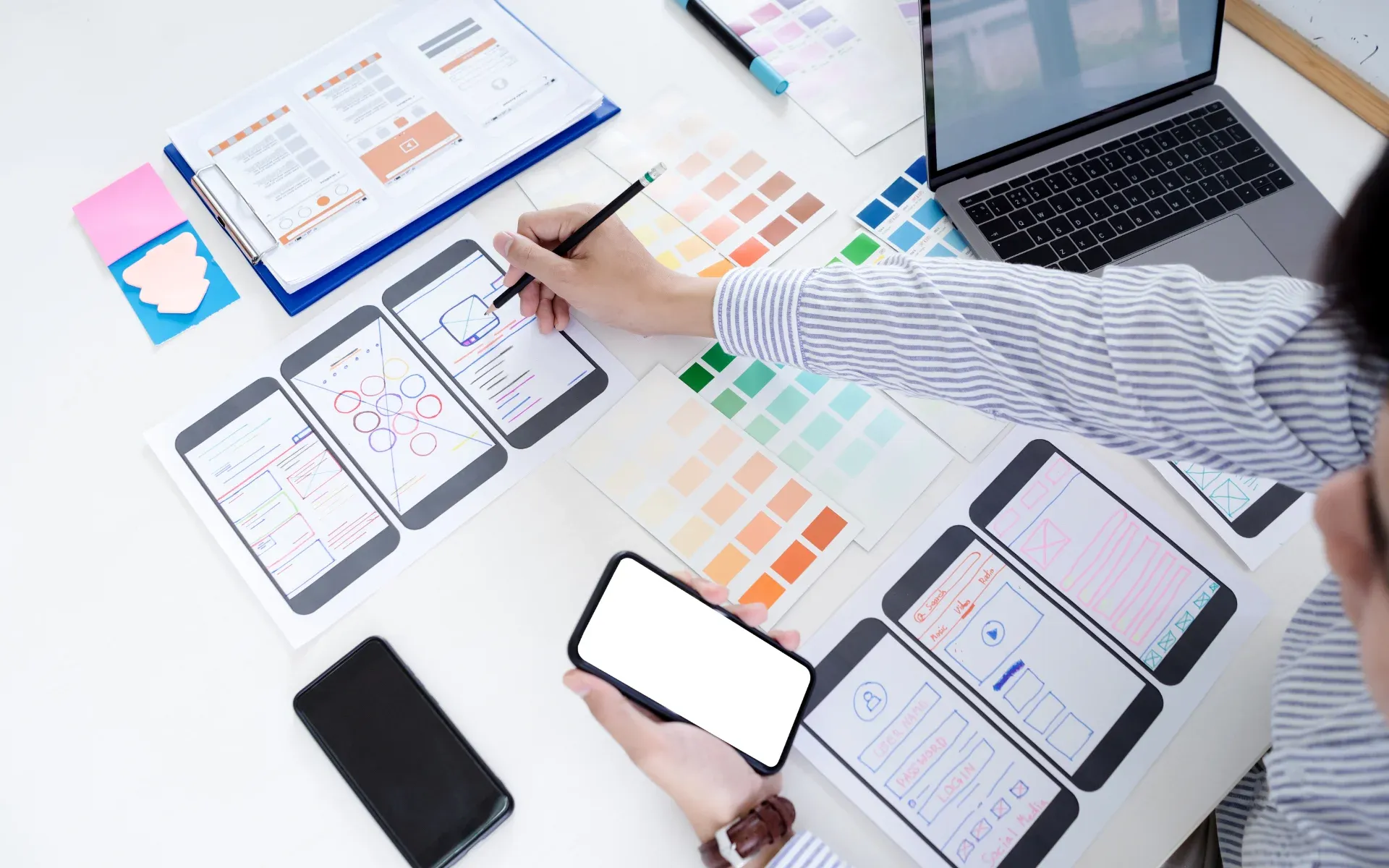
User flows and wireframes. We walk through the most important tasks step by step and sketch them as wireframes. This reveals gaps and unnecessary steps while changes are still cheap.
Getting feedback early. With clickable prototypes we test workflows with future users before development starts – and, for existing applications, find out where things get stuck today.
UX for very different users
Our product Inventary brings two target groups together: hosts maintain their accommodation room by room, while guests need neither an app nor an account – an invitation link or QR code is enough, in twelve languages up to and including right-to-left Arabic. We designed Stundenplan-Digital, a digital school timetable, for parents rather than IT professionals: sign-in via an e-mail link instead of a password, editing by drag and drop.
For the Stenger service app, the technicians' day-to-day work was the focus. We introduced the app step by step: first, the familiar paper forms were scanned in the app, then the digital service report replaced them. Technicians send feedback directly from the app – and it feeds into further development.
Why UX design pays off
A change in a wireframe takes minutes; the same change in fully developed software takes days. Clarifying workflows early avoids costly rework and means you only build features that are really needed.
Above all, though, user experience decides whether software gets used. An application your team enjoys using delivers more complete data, needs less support and drives the digitalisation it was built for.
How we approach UX projects
- Interviews with users and stakeholders
- Define goals, tasks and user flows
- Wireframes and clickable prototype
- Incorporate feedback and hand over to design and development
- Interviews with users and stakeholders
- Define goals, tasks and user flows
- Wireframes and clickable prototype
- Incorporate feedback and hand over to design and development
Frequently asked questions about user experience
What is the difference between UX and UI?
UX (user experience) concerns the structure and workflows of an application: which steps a user takes, where they find which information and how they reach their goal. UI (user interface) is the visual implementation – layout, typography, colours and controls. The two belong together: a beautiful interface cannot rescue a cumbersome workflow, and a good workflow needs a clear design.
Is UX design worthwhile for internal software too?
Yes, especially there. Internal applications are often used daily and for years. Every unnecessary click and every unclear screen adds up across all employees. A well-thought-out user experience reduces training effort, cuts input errors and ensures that the software is actually used.
Can you improve the UX of an existing application?
Yes. We look at how the application is used today, talk to users and identify the biggest obstacles. Targeted improvements to a few central workflows often achieve more than a complete redesign. Where necessary, we combine this with a technical modernisation.
How much user research does a project need?
That depends on scope and risk. For many business applications, a few interviews with future users, a look at their daily work and feedback on a clickable prototype are enough. What matters is that the requirements come from the people who will later use the software.
Do you also handle development after the UX concept?
Yes. At 4eB, concept, design and development work in one team. The concept therefore does not have to be handed over to another company, and questions that come up during implementation are clarified directly with the people who designed the workflows.
Didn't find your question?Get in touch
Show us where your users get stuck today – together with you, we will develop workflows that people understand.